
The Resource component lets users pick a record from a GlobalForms resource, such as a vendor, employee or project, and can let them add a new one without leaving the form. The selected record's data is saved with the submission, so it can be mapped to a PDF or used in scripts without retyping it.
Example: choose a vendor on a purchase request
-
Create a Vendor resource with fields such as Vendor Name (
vendorName), Email Address and Phone Number. See Working With Forms and Resources. -
On the purchase request form, add a Resource component.
-
On its Display tab, set Resource to Vendor.
-
Set Item Template to the field users should see in the list:
<span>{{ item.data.vendorName }}</span> -
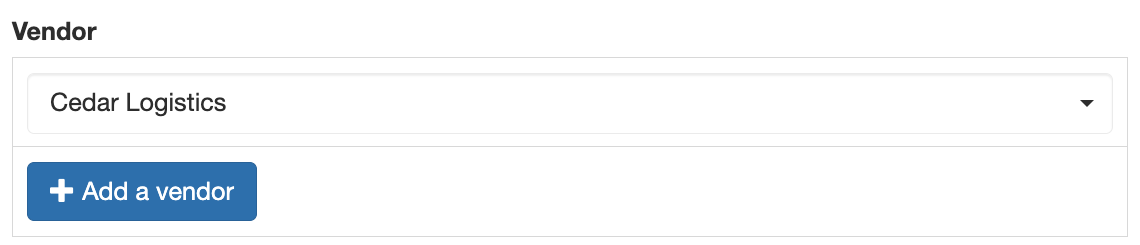
Optionally turn on Show Add Resource Button and set its text, so users can add a vendor that isn't listed. The new vendor is selected automatically after it's saved.
Settings
|
Setting (Display tab) |
What it does |
|---|---|
|
Resource |
The resource to choose from |
|
Item Template |
What each item in the list shows. Without it, users see raw data. |
|
Select Fields |
The resource fields to load, separated by commas. Fewer fields load faster. |
|
Search Fields |
The fields searched when the user types |
|
Allow Multiple Resources |
Lets users choose more than one record |
|
Show Add Resource Button |
Lets users add a new record from the form |
|
Save as reference |
Saves a link to the record instead of a copy of its data, so later changes to the record are reflected |
Users need permission to read the resource's submissions to see them in the list, and to create submissions to use the add button. Records can also be managed directly by opening the resource with View on the home page.
Resource component or Select?
A Select component with a Resource data source can do the same job with more options, such as filtering by another answer and sorting. See Resources in Select Components. Use the Resource component when you want the built-in add button.