
The Currency component collects money amounts. It shows a currency symbol and formats the amount as the user types, while storing a plain number.
Currency symbol
A Currency component added in the form builder shows a dollar sign ($) by default. To show a different symbol:
-
Open the Currency component's settings.
-
On the Display tab, enter the symbol in Currency Symbol, for example
$,£orEUR. -
Save the component.
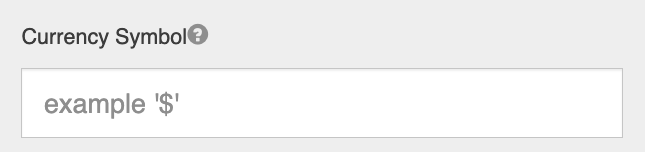
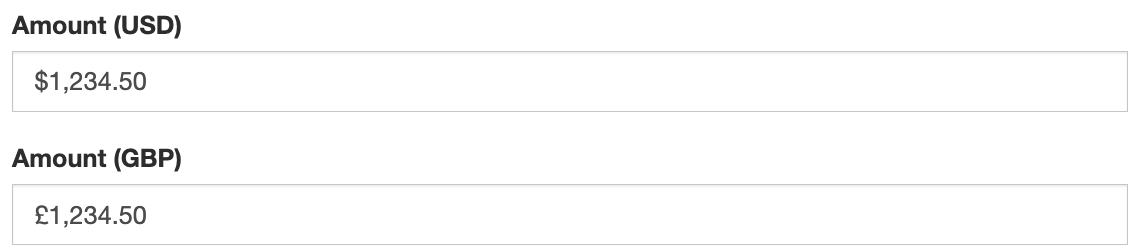
A custom symbol is always shown before the amount. Leave Currency Symbol empty to go back to the default.
Currency Symbol requires GlobalForms version 10.16 or greater.
Separators and decimals
Currency follows the same locale rules as the Number component: thousands separators and the decimal symbol follow the user's locale, and users can type a decimal with either . or ,. The currency symbol does not change these rules. See Number.
Stored value
Only the number is stored, for example 1234.5, without the symbol or separators. Use the value directly in calculations and rules.