
The Field Catalog
The GlobalCapture Field Catalog is where you create, manage, and delete Fields and Lists.
Accessing the Field Catalog
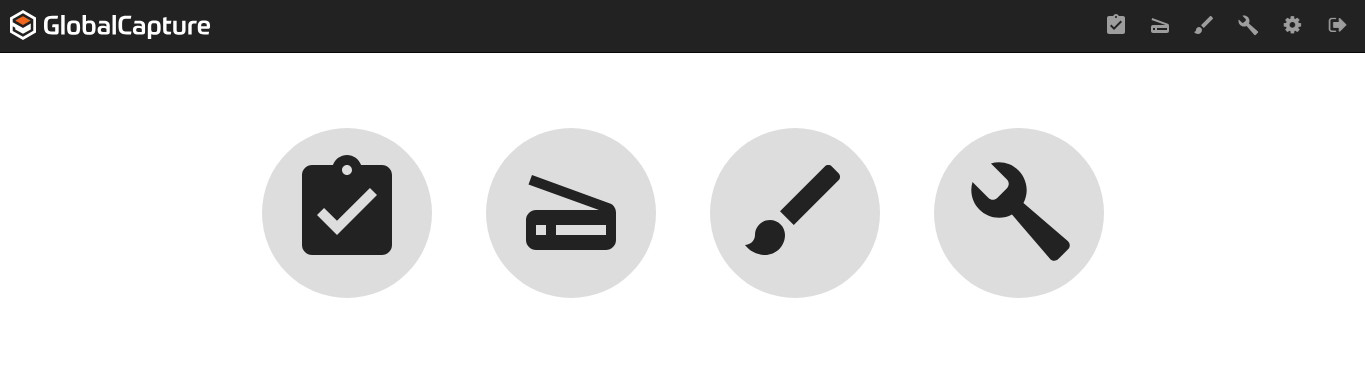
To access the Field Catalog from the GlobalCapture homepage, click the Manage ( 
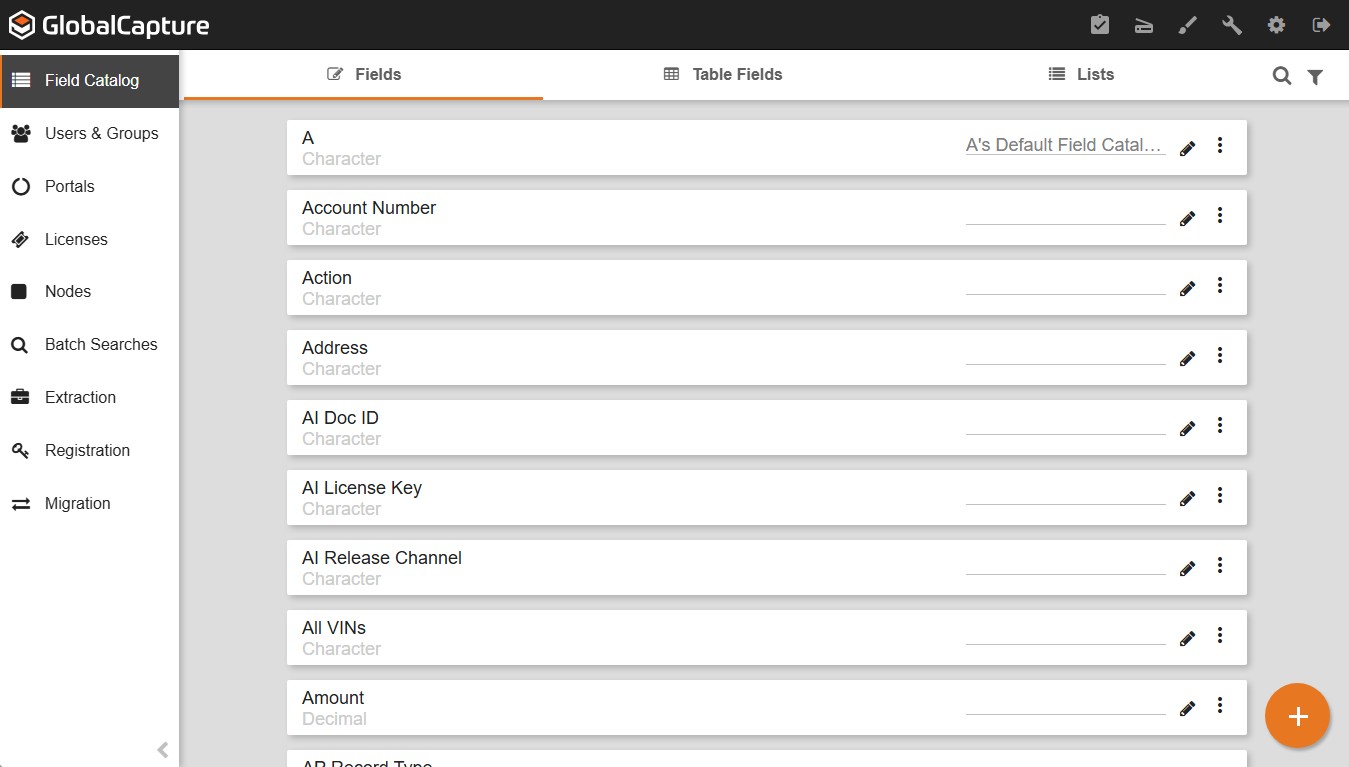
Field Catalog Tabs
Process Fields
Fields (also referred to as Process Fields) are used to store identifying information about a document, such as a vendor name.
Table Fields
Table Fields are used to group multiple Index Fields together and add multiple entries into each Field, effectively creating a spreadsheet-like table.
-
While you can create Table Fields in the Field Catalog, you must have the Line Item Data Extraction option to extract data to a Table Field automatically.
-
Table Fields are available to all customers for manual data entry.
List Options
Field Lists let you quickly choose indexing information from a preconfigured list of values. Any GlobalCapture Process Fields will automatically map to GlobalSearch any time the Field Names match at release time.
-
List values can be typed into the List Editor or be dynamically pulled from a third-party data source using External Binding within the List Options.