
Registration
-
To access registration settings, click the Manage button from the GlobalCapture home page or the Manage (


-
Click Registration.
GlobalCapture Server Tile
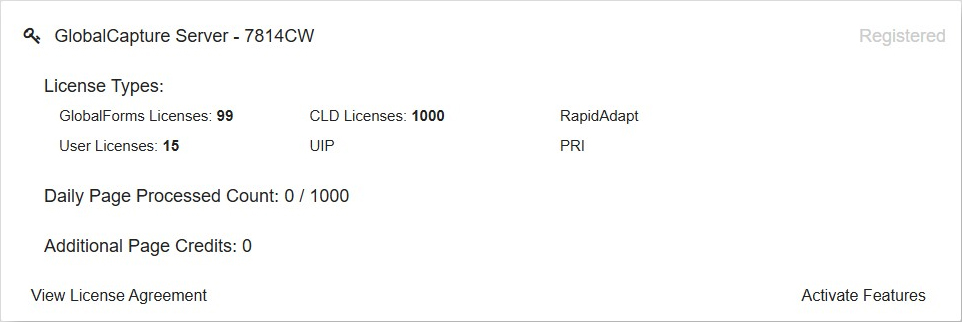
The GlobalCapture Server Tile contains information about your capture server.
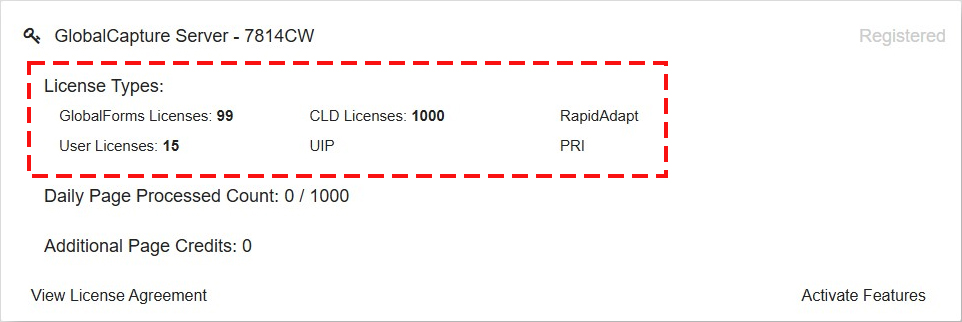
It displays how many of each type of GlobalCapture user license your instance is licensed for.
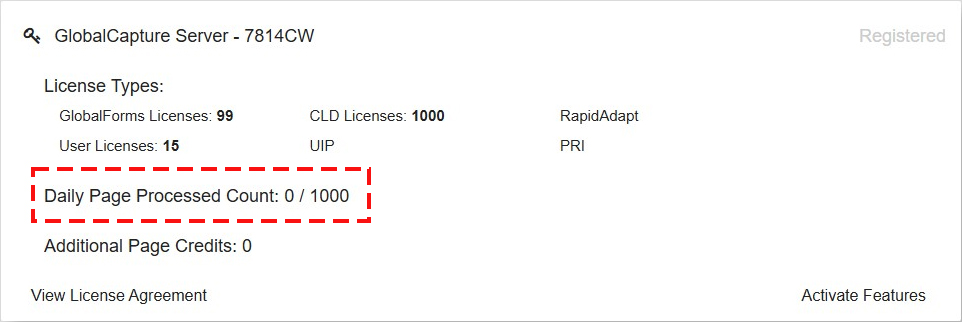
The GlobalCapture Server tile also displays the Daily Page Processed Count.
GlobalCapture's license model is intentionally flexible and prefers to allow documents to process to completion once processing has started. For this reason, it's possible to see a daily count that exceeds the daily limit.
Understanding Page Consumption: Counting Rules and Workflow Impact
Regular page counts only apply to standalone instances of GlobalCapture. If you are using GlobalSearch with GlobalCapture, page counts no longer apply. If you are using InquireAI, page Counts DO apply for all InquireAI processes.
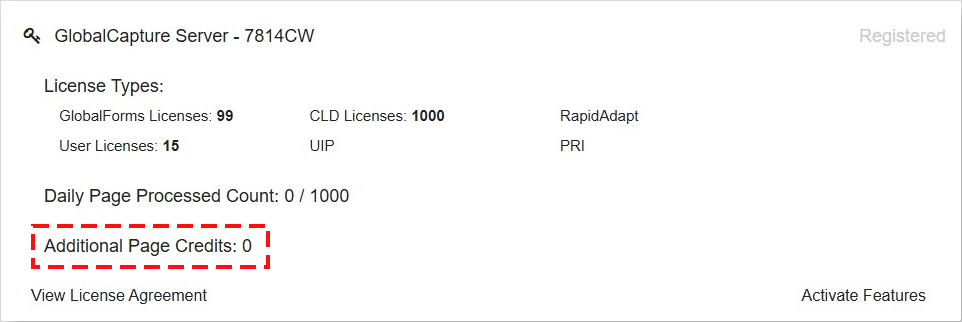
Additional Page Credits are bulk pages purchased for page count based solutions.
View License Agreement
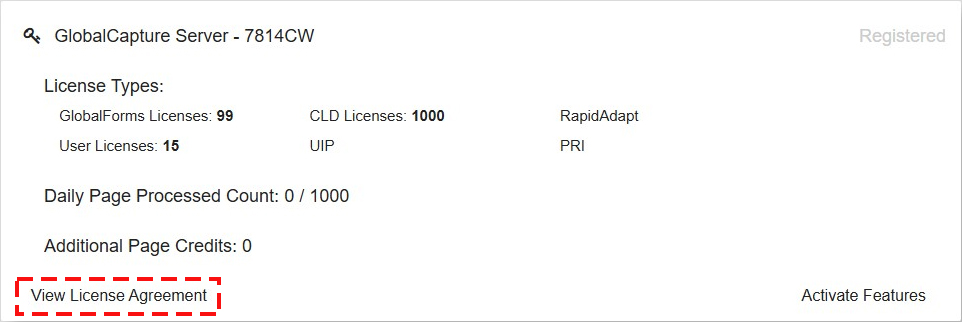
Click View License Agreement or go to the EULA (End User License Agreement) page on the website to review the license agreement.
Activate Features
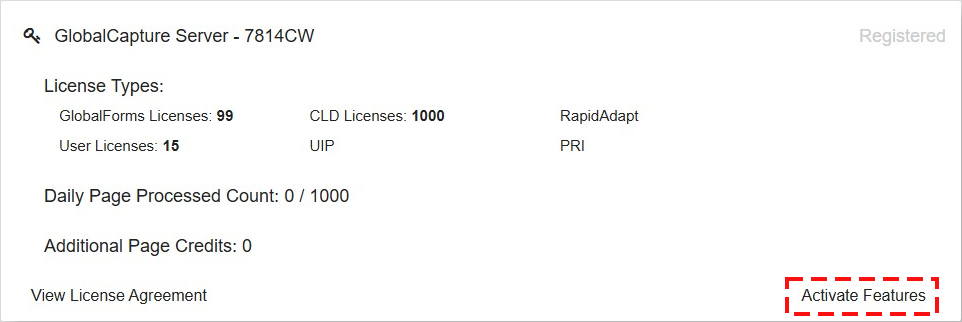
Activate Features syncs the server licensing with the Square 9 licensing server. If you add licensing to your solution, such as additional features or users, clicking Activate Features will update your instance with the latest available licensing.
This will not upgrade your instance of GlobalCapture. Upgrades are handled by our cloud services team and you will be notified when an upgrade will be completed.
-
Click Activate Features under GlobalCapture Station and then GlobalCapture Server. Wait for the load screen to pass.
-
Your new features are now activated.
Cloud Customers - If you have added page count volume to your GlobalCapture environment, the Registration tab will include multiple entries for GlobalCapture Station. You only need to activate the GlobalCapture Server. There should be only one option of this type.
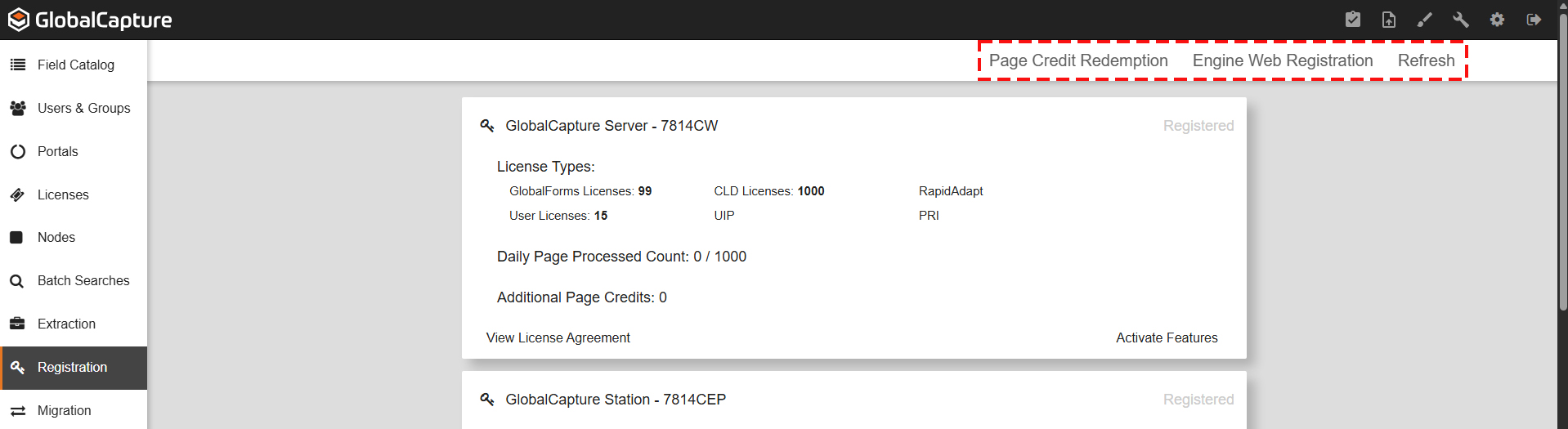
Click Page Credit Redemption if you have purchased additional pages to be used as needed and enter the provided serial number.
Engine Web Registration allows for a new engine registration using a serial number.
This is often handled by the Square 9 team.
Refresh reloads the registration page with any updated licensing values.
GlobalCapture Stations
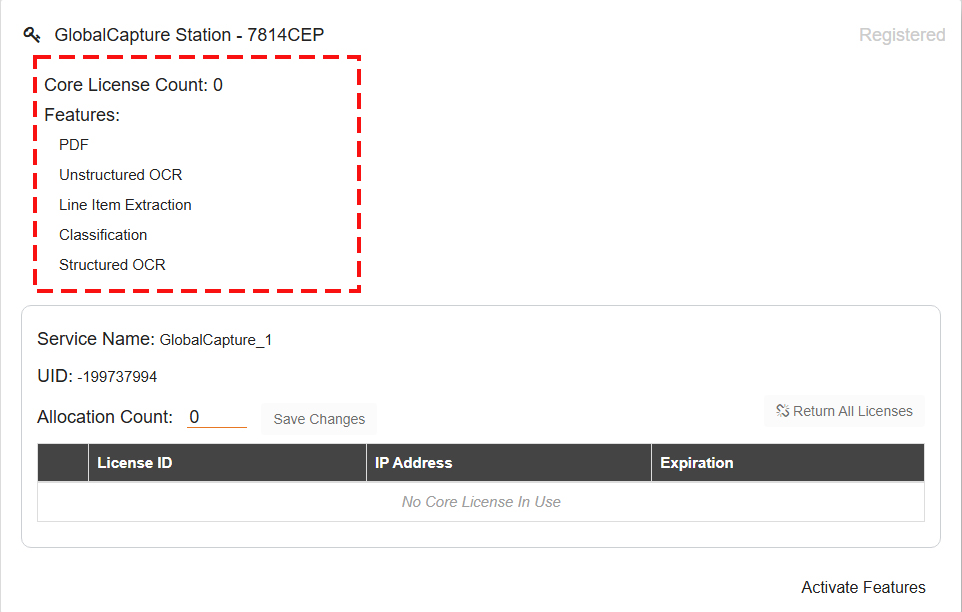
GlobalCapture Stations are engines used for processing documents.
It includes the Core License Count and the licensed Features.
The number of Engines currently licensed are visible.
Each server can have up to 3 engines.