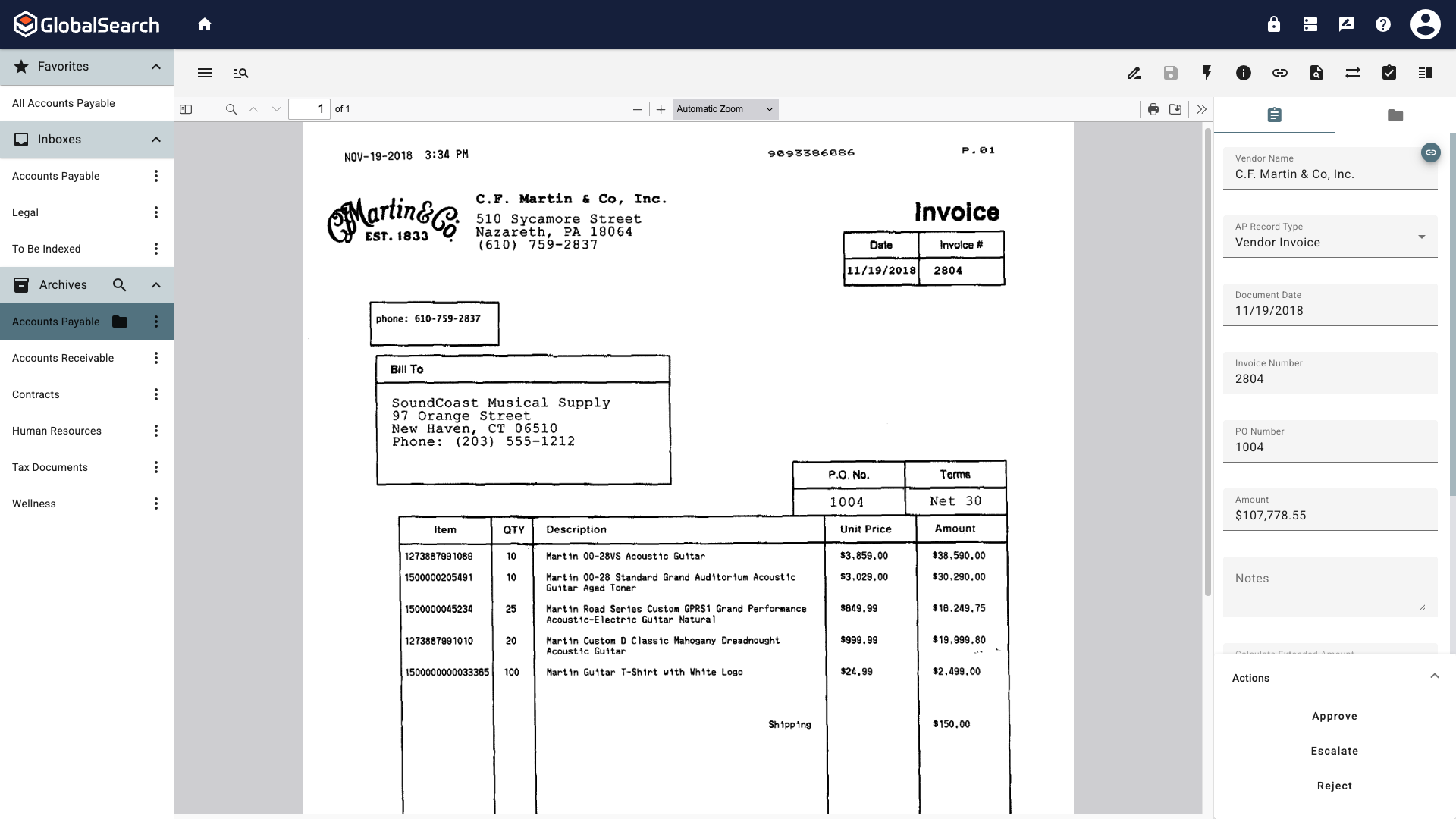
Access to features and functionality may vary based on your assigned permissions. If you are unable to view or perform certain actions, please contact your system administrator for assistance.
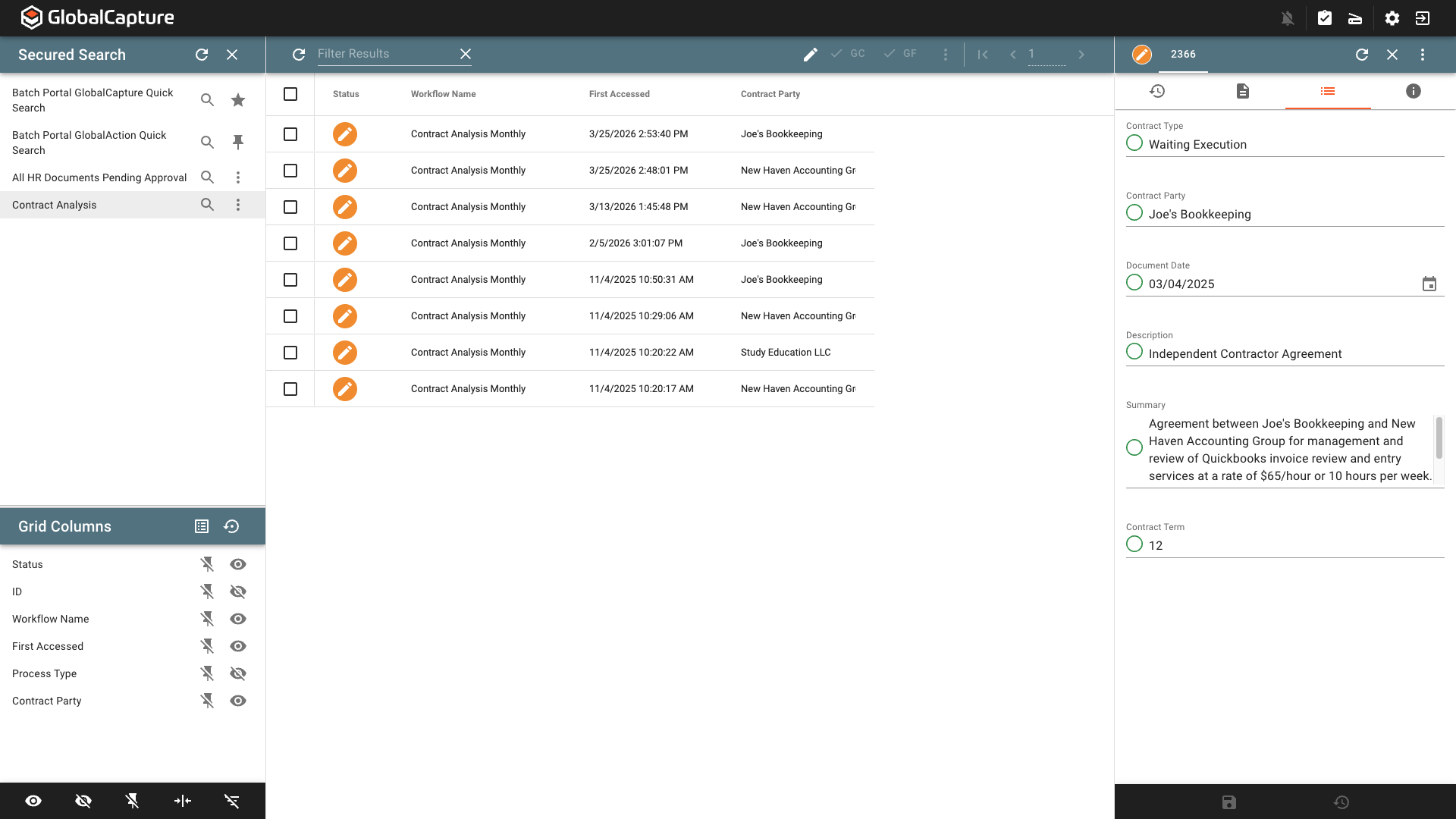
The Validation Station is the main interface for viewing and managing documents in workflows. It provides different roles based on your permissions.
For all users, the GlobalCapture Validation Station is where you can interact with documents moving through a process. From the Batch Manager, you can run searches to find the desired processes, view and edit data associated with the document, manage the search results grid, open the document in the appropriate Document Viewer and take action on documents.
For administrators, you can manage all your workflow processes. Manually move documents along in the process, relocate documents to a different steps in a process, troubleshoot errored document, and view process history and workflow statics.
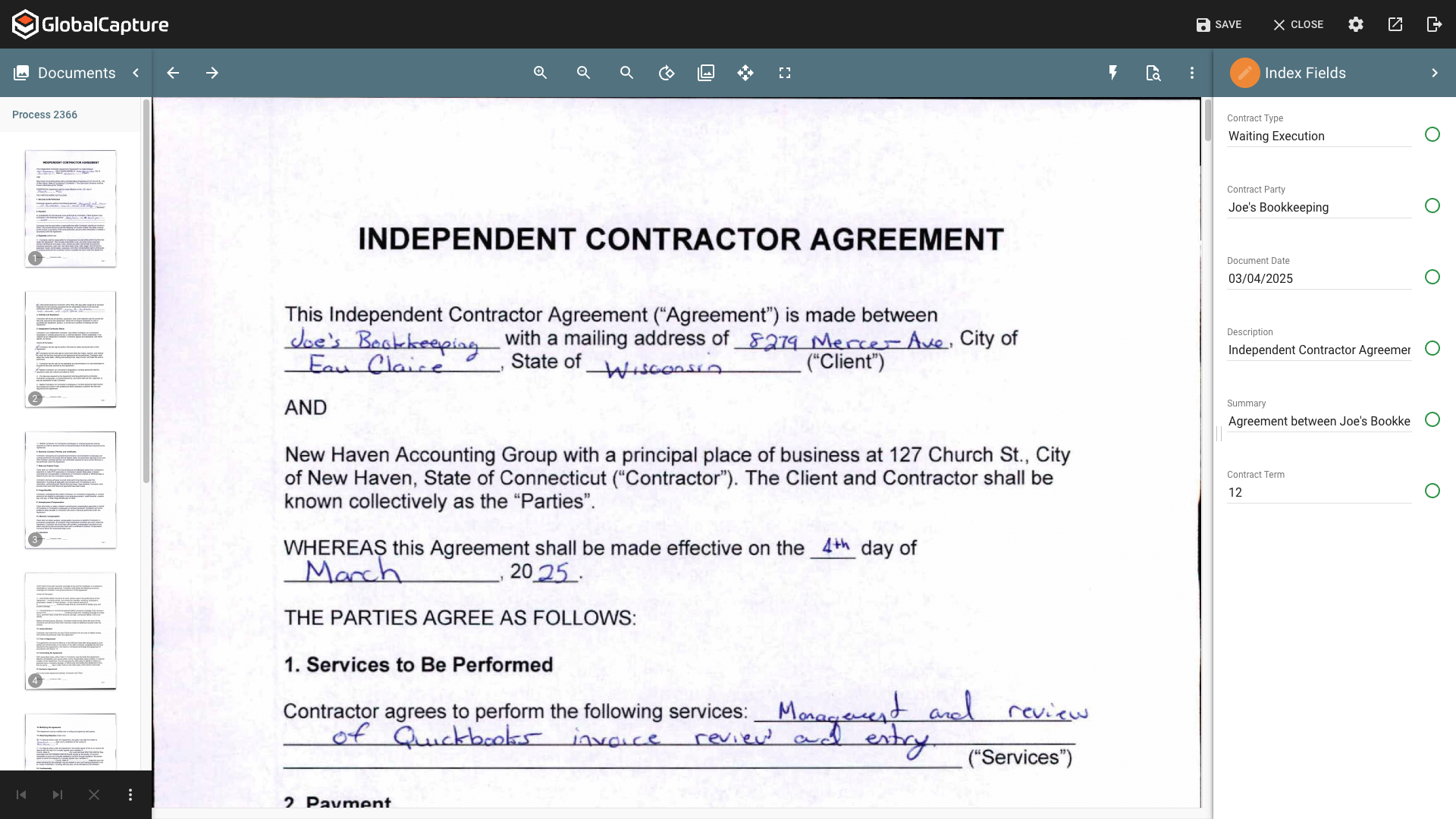
Use the Document Viewer to edit document and data, add and remove pages, and take action on document to keep them moving through the process.