
The Designer is where Workflows are created, managed, deleted, and published.
Arrange the Nodes (representing the action steps) and Connections (representing the flow from one step to another) in the drag-and-drop interface to in a variety of ways to create both simple and complex Workflows.
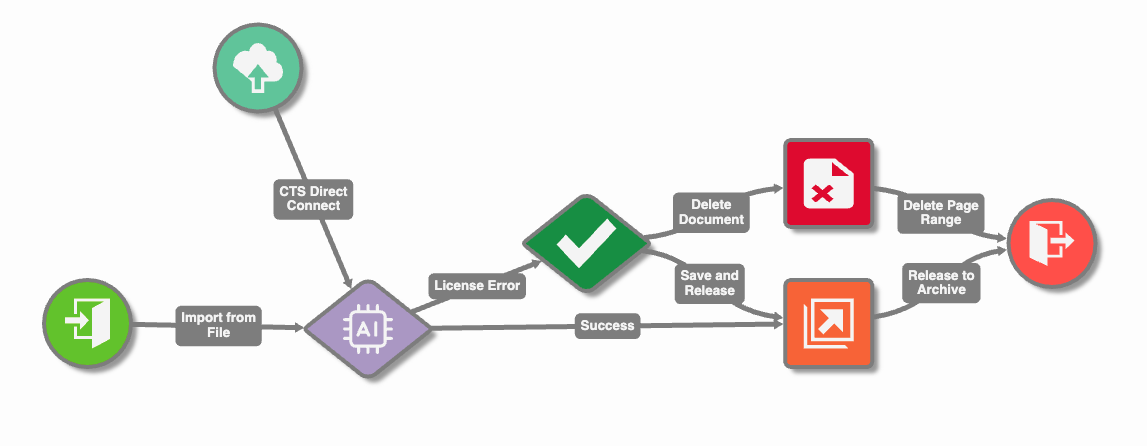
You must be a GlobalCapture Administrator to design GlobalCapture Capture workflows and GlobalAction Document workflows.
Accessing the GlobalCapture Capture Workflow Designer
To access the GlobalCapture Capture Workflow design canvas:
-
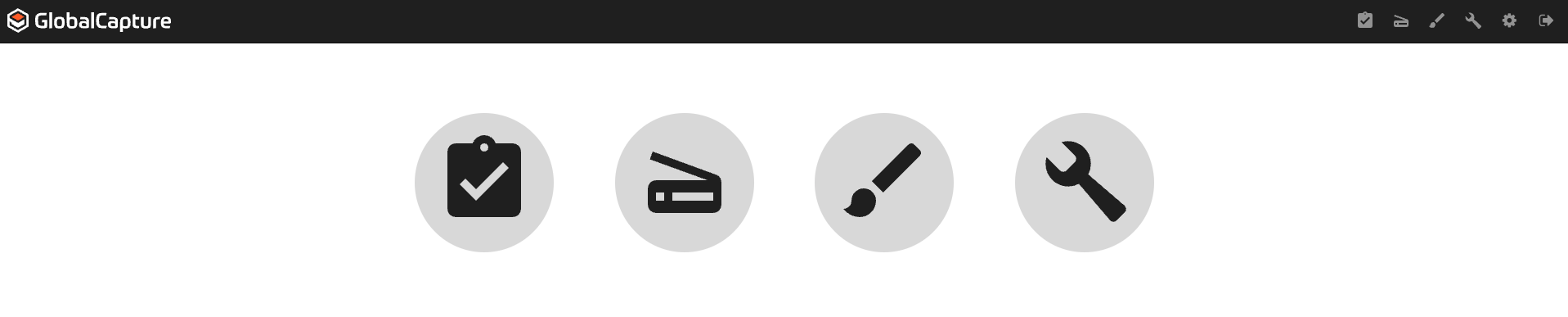
Login to GlobalCapture as an Administrator.
-
Select the Design (

Accessing the GlobalAction Document Workflow Designer
To access the GlobalAction Document Workflow design canvas:
-
Login to GlobalSearch Go as a System Administrator.
-
From the Administration (

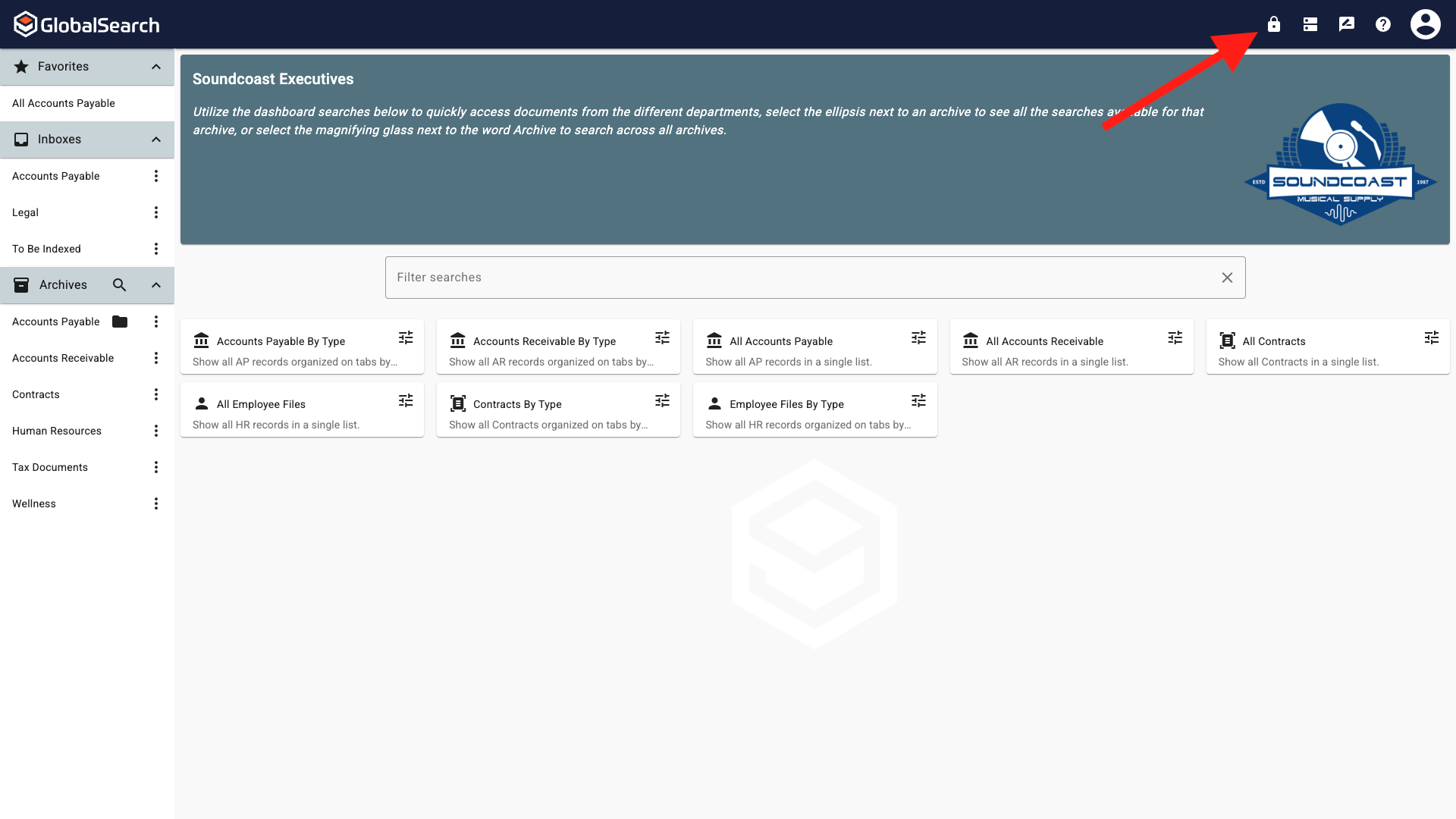
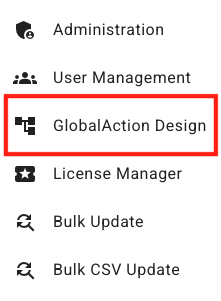
GlobalAction Document Workflows are database specific. Ensure you acces the GlobalAction Document Workflow design canvas from the database in which you want the Document Workflow to access documents.