
The Upload Document Viewer is very similar to the standard Document Viewer, though it does have some key differences becasue of the functions being performed during document upload.
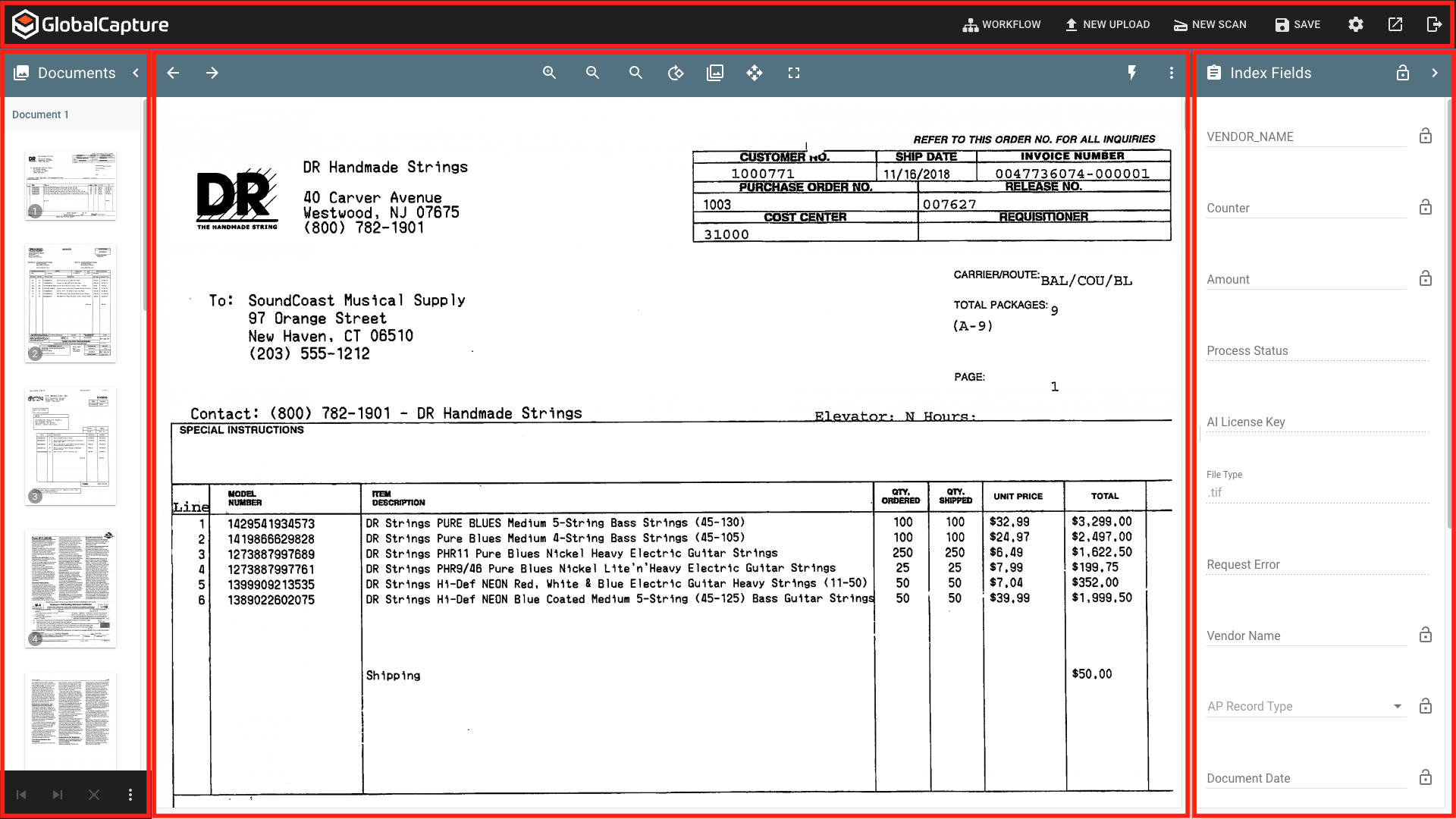
-
GlobalCapture Toolbar - Save changes to your document and move it along in the workflow, navigate to other areas of GlobalCapture, and access the user settings.
-
Thumbnailer Pane - Displays the pages of the document. Rearrange the order of pages, add, remove, and burts pages into new documents.
-
Page Viewer - Display the currently selected page of a document. Modify the doucment using tools in the Paige Viewer Toolbar suchs as rotating or finding text.
-
Index Field Pane - Add or modify data in GlobalCapture Process Fields.