
A Table arranges components in a fixed grid of rows and columns. Use it to recreate a paper form's table layout, such as a checklist with the same fields on each line. Each cell can hold components.
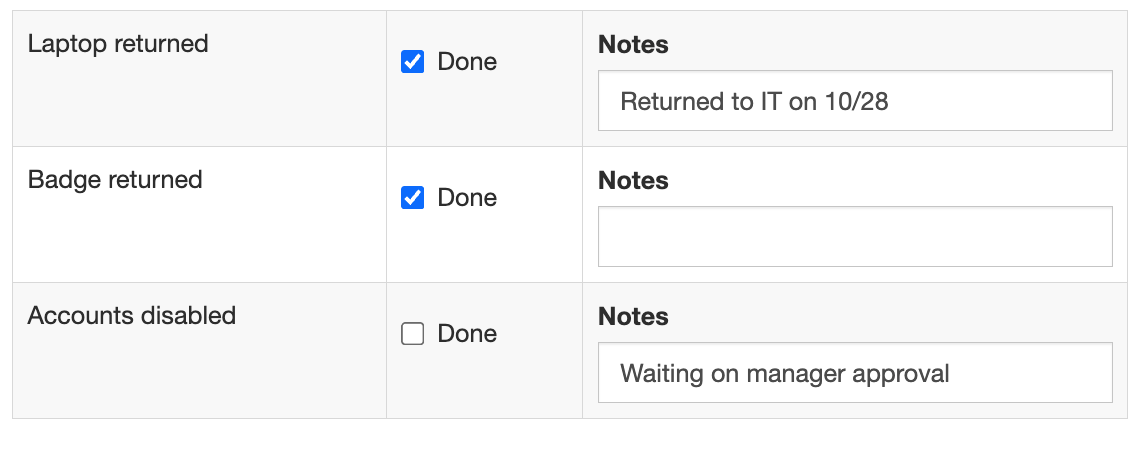
A Table has a fixed number of rows. For a table where users add rows, use a Data Grid.
Settings
|
Setting (Display tab) |
What it does |
|---|---|
|
Number of Rows, Number of Columns |
The size of the table |
|
Striped |
Shades alternate rows |
|
Bordered |
Draws borders around cells |
|
Hover |
Highlights the row under the mouse |
|
Condensed |
Reduces cell padding for a more compact table |
A table doesn't change how data is saved: each component inside it is saved under its own property name.
Tables don't stack on narrow screens the way Columns do. On a phone, the table shrinks to fit the screen and its columns get narrow. For forms used on phones, prefer Columns.