
Control which components appear when a form is printed, on paper or to PDF from the browser. For example, hide the Submit button from printouts, or add text that appears only on paper.
Hide a component when printing
GlobalForms has a built-in no-print class:
-
Open the component's settings and go to the Display tab.
-
Enter
no-printin Custom CSS Class. -
Save the component, then print the form from its view link to check the result.
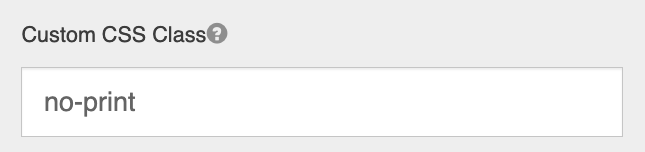
no-print
Show a component only when printing
There is no built-in class for this, but you can add one to the form:
-
Add an HTML Element to the form. Set HTML Tag to
divand enter this in Content:CSS<style> .print-only { display: none; } @media print { .print-only { display: block !important; } } </style> -
On each component that should appear only on paper, enter
print-onlyin Custom CSS Class. -
Save the form and print it to check.
The style applies only to the form it's added to. See Using Custom CSS.