
The GlobalAction Designer is where Workflows are designed and stored. Only systems administrators who are in the GlobalSearch SSAdmin group may access GlobalAction Designer. From the GlobalAction menu, a Workflow can be created, copied, deleted, or published. The areas of the GlobalAction Designer are the Nodes Pane, the Design Canvas, the Process Fields Pane, and the Information Pane
-
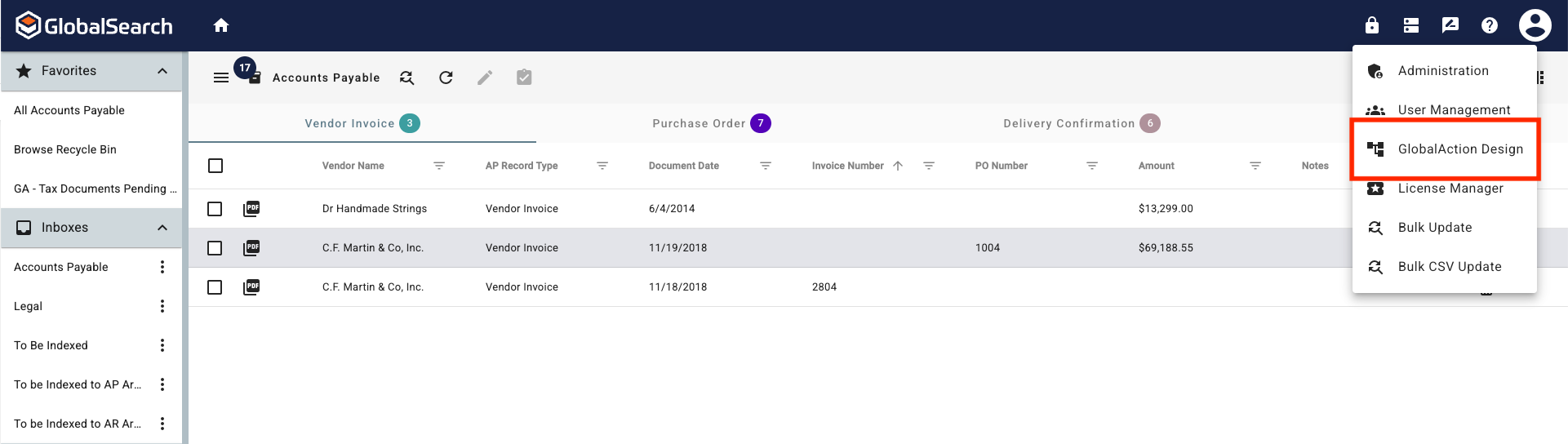
From the GlobalSearch toolbar, in the Administration (lock icon) menu, select GlobalAction Design.
-
The GlobalAction Designer will appear. It defaults to an empty Design Canvas to begin a new Workflow.