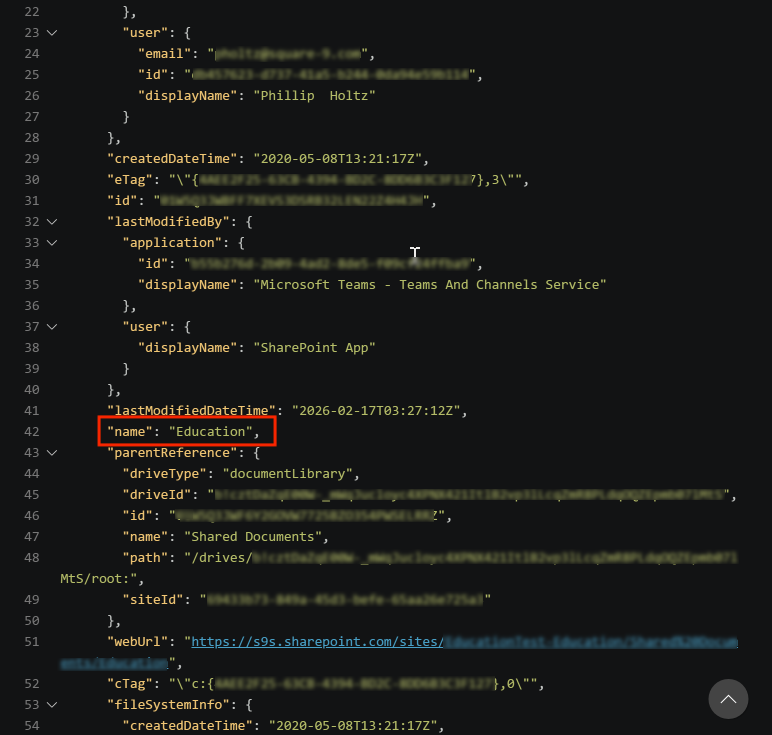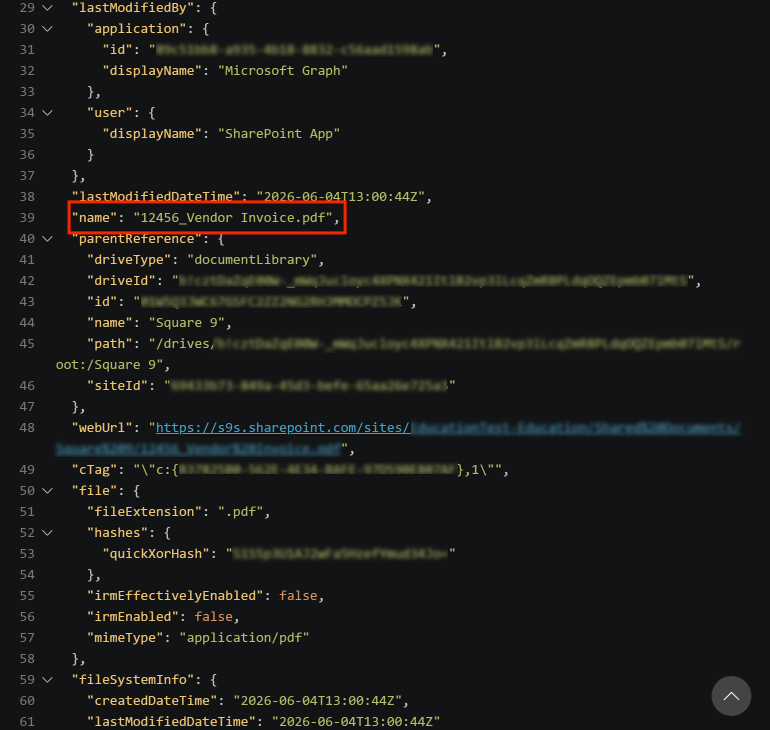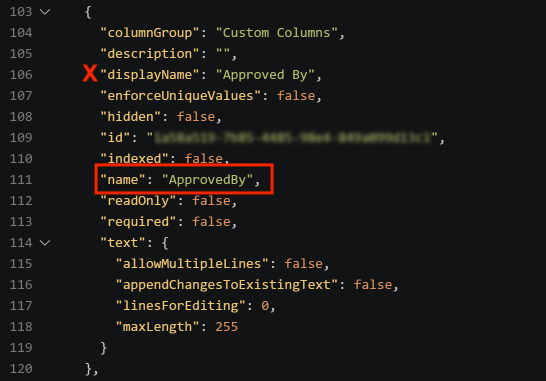
Tools like Powershell or Postman will support making Graph API requests. You can also use plugins to VS Code for quick testing and pulling of data. REST Client for VS Code has > 6 million downloads and is easy to use for quick tests.
-
Obtain your TenantID, ClientID, and Client Secret from your Entra App Registraiton.
-
Download Visual Studio Code.
-
Add the REST Client for VS Code.

-
Create a new text file in Visual Studio Code.
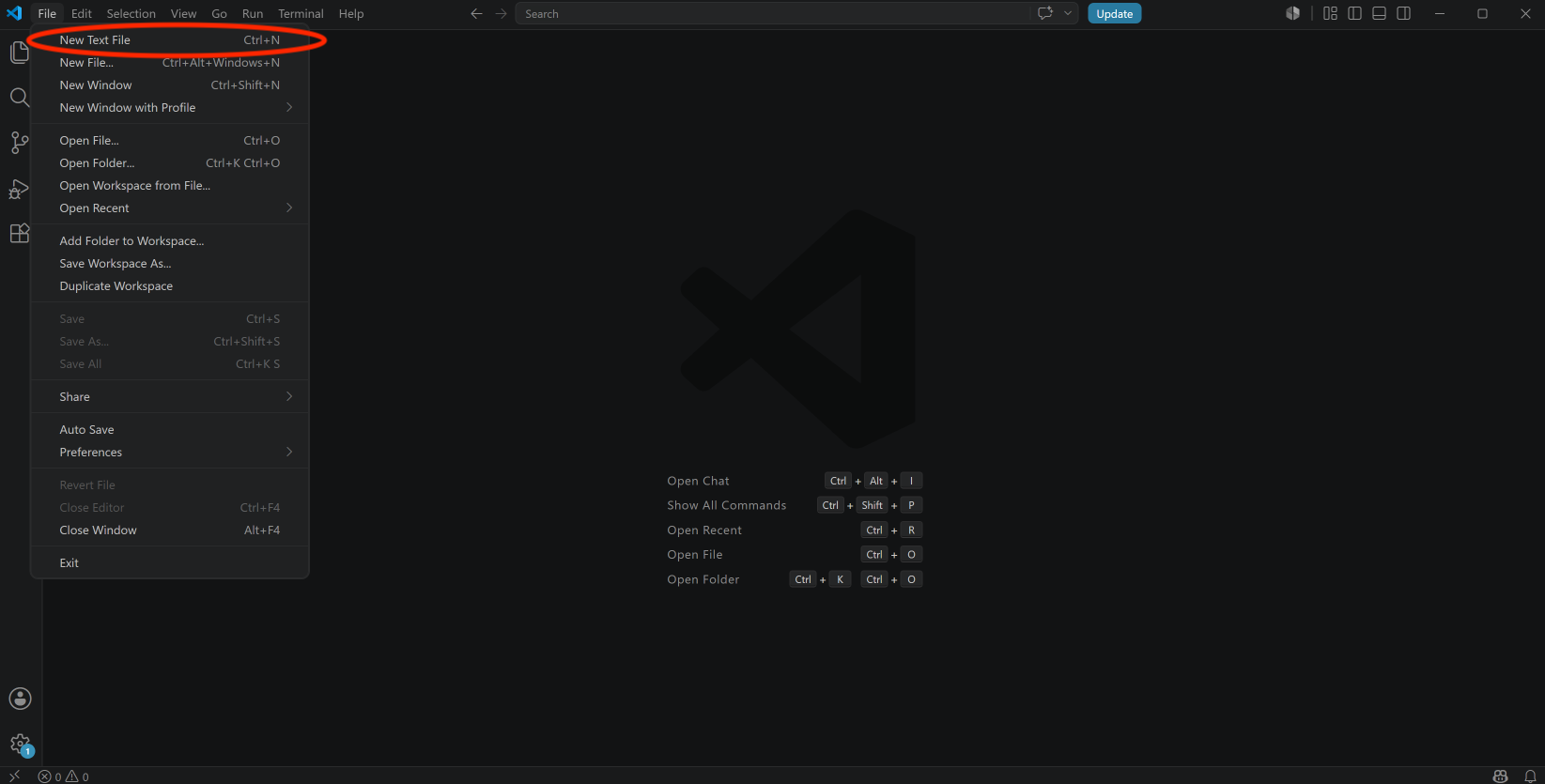
-
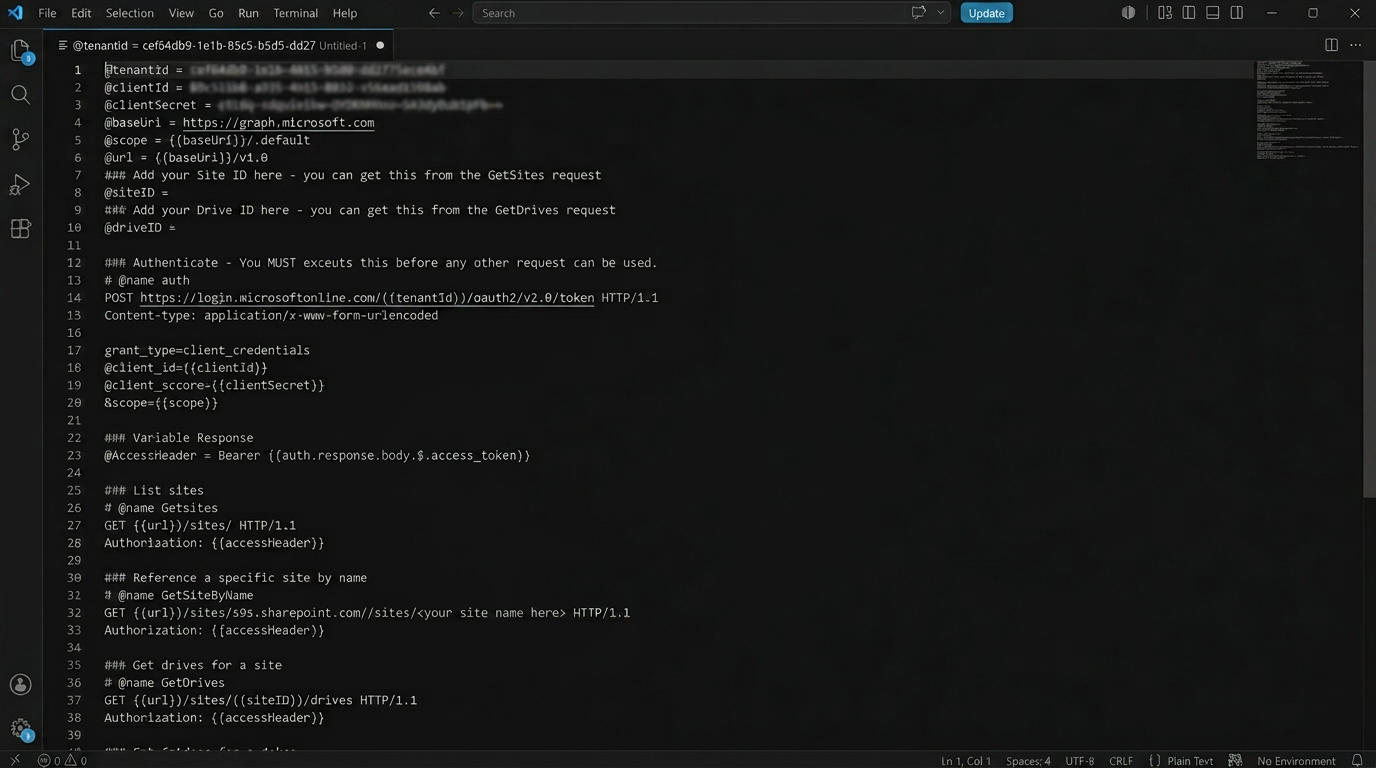
Copy and paste the code below, adding your TenantID, ClientID and Client Secret.
@tenantId =
@clientId =
@clientSecret =
@baseUri = https://graph.microsoft.com
@scope = {{baseUri}}/.default
@url = {{baseUri}}/v1.0
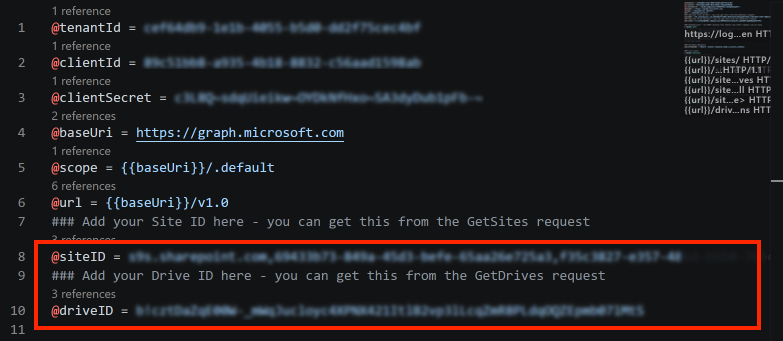
### Add your Site ID here - you can get this from the GetSites request
@siteID =
### Add your Drive ID here - you can get this from the GetDrives request
@driveID =

### Authenticate - You MUST execute this before any other request can be used.
# @name auth
POST https://login.microsoftonline.com/{{tenantId}}/oauth2/v2.0/token HTTP/1.1
Content-type: application/x-www-form-urlencoded

grant_type=client_credentials
&client_id={{clientId}}
&client_secret={{clientSecret}}
&scope={{scope}}

### Variable Response
@accessHeader = Bearer {{auth.response.body.$.access_token}}

### List sites
# @name GetSites
GET {{url}}/sites/ HTTP/1.1
Authorization: {{accessHeader}}

### Reference a specific site by name - add your site name
# @name GetSiteByName
GET {{url}}/sites/s9s.sharepoint.com:/sites/<your site name here> HTTP/1.1
Authorization: {{accessHeader}}

### Get drives for a site
# @name GetDrives
GET {{url}}/sites/{{siteID}}/drives HTTP/1.1
Authorization: {{accessHeader}}

### Get folders for a drive
# @name GetFolders
GET {{url}}/sites/{{siteID}}/drives/{{driveID}}/root/children?$filter=folder ne null HTTP/1.1
Authorization: {{accessHeader}}

### Get item by name - add your folder name and your file name
# @name GetItem
GET {{url}}/sites/{{siteID}}/drives/{{driveID}}/root:/<foldername>/<your file name with extension here> HTTP/1.1
Authorization: {{accessHeader}}

### Get internal column names for drive
# @name GetColumns
GET {{url}}/drives/{{driveID}}/list/columns HTTP/1.1
Authorization: {{accessHeader}}
-
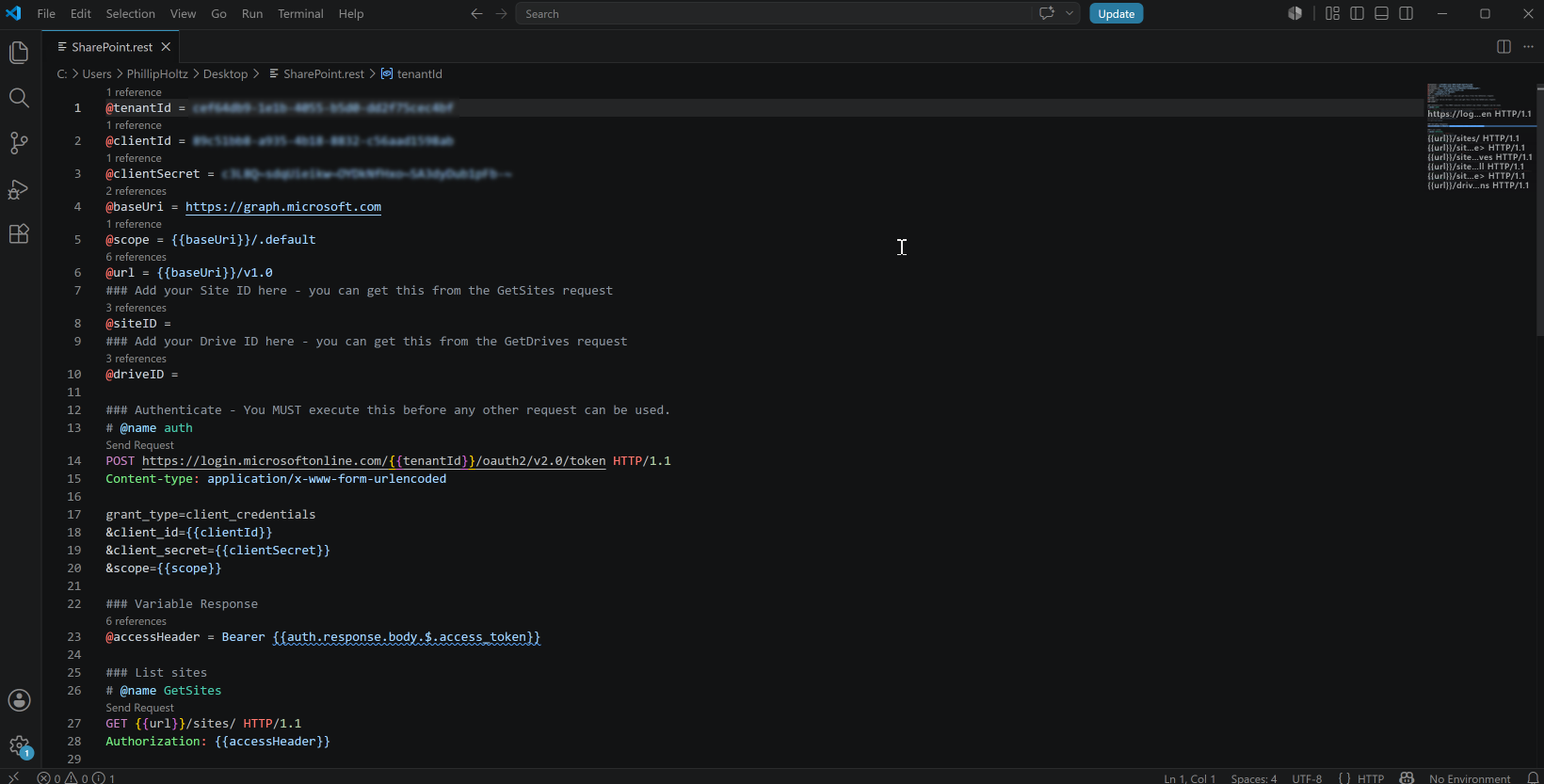
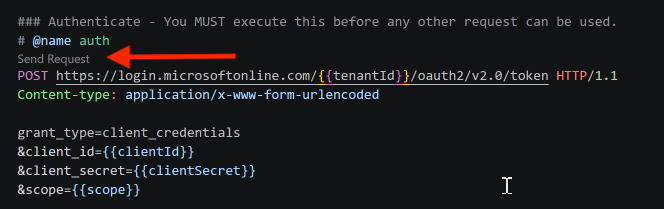
Save your file as a .rest file type. The coloring of the file should change and Send Request should be accessable for each request type.
-
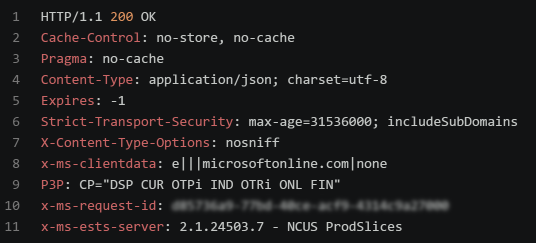
You must execute the ###Authenticate to get access to the SharePoint data. If successful, you will receive a HTTP/1.1 200 OK message.
Many of the requests require the SiteID and/or DriveID. Execute:
-
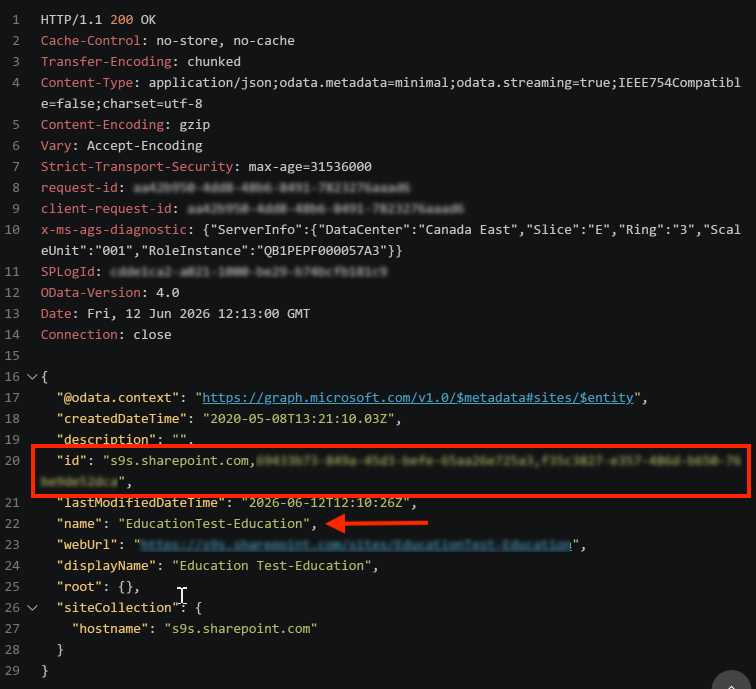
### List sites to get a list of all SharePoint sites to which you have access. Scroll through the list until you find the “name” of the site to access, then copy the “id” to the @siteID variable. HELPFUL TIP: Use the find function (CTRL f) to search for specific text.
-
### Reference specific site by name to get the SiteID of a specific site. Make sure you are using the Internal Name of the site and NOT the Display Name.
-
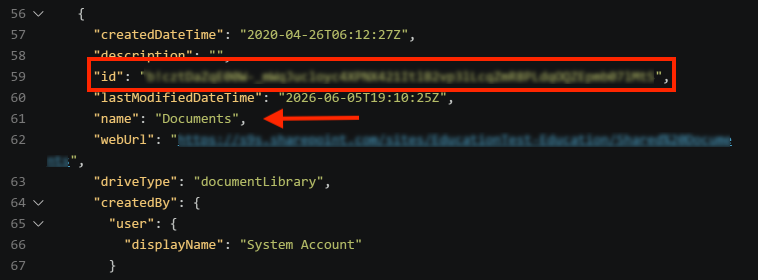
### Get drives for a site to get a list of DriveID’s. The “name” displays the drive name, copy the “id” to the @driveID variable.
-
Add the SiteID and the DriveID to the variables at the top.
-
You can now execute any additonal request by clicking Send Request.